


On this page
- 01 · Start with the campaign job, not the page design
- 02 · Match the page to the persona, ad batch and search intent
- 03 · Write the handoff from ad to store before building
- 04 · Build the page as an isolated production project
- 05 · Use Vercel for previews, staged releases and rollback
- 06 · Connect one campaign subdomain and leave Shopify alone
- 07 · Let Shopify keep product, cart, checkout and purchase ownership
- 08 · Give each measurement system one job
- 09 · Carry attribution into Shopify and give every element a stable identity
- 10 · Use PostHog to explain what happened on the page
- 11 · Turn every page into an evidence loop, not an automatic rewrite
- 12 · Run the release gate before paid traffic moves
- 13 · Frequently asked questions
Start with the campaign job, not the page design
A custom landing page is not a smaller Shopify store. It is one controlled answer to one paid-traffic promise. Before we open a code editor, we decide who is arriving, what made them click, what they need to believe next, and the exact action the page should earn.
The first working document is a one-page campaign contract. It names the platform, traffic group, persona or search intent, ad promise, first proof, primary action, Shopify destination, attribution naming, page owner and release date. It also states what success will be checked against. For ecommerce, that is usually the existing product or collection page, judged on purchase conversion, new-customer cost and contribution. A prettier page is not a win.
Quick answer: we map each meaningful persona or search intent to one page promise, build the page outside Shopify, deploy it to Vercel, connect only a new campaign subdomain, forward every approved campaign parameter into Shopify, install the client tags plus PostHog on the exact live hostname, and release one version at a time. PostHog shows where people engage or stall. Shopify, GA4, Meta and Google tell us whether the commercial result improved.
| Decision | What we write down | Why it matters |
|---|---|---|
| Traffic group | Meta ad set or creative batch, Google ad group or intent cluster | It keeps unlike clicks out of the same result. |
| Visitor | One persona, use case, problem, stage or search intent | The page can recognise one person clearly. |
| Promise | The single idea that earned the click | The hero can confirm it immediately. |
| Proof | The first real fact, demonstration or named review needed | The next question is answered before doubt grows. |
| Action | The real product, variant, collection, booking or enquiry handoff | Tracking names the action honestly. |
| Control | The current destination and commercial metric | We know what the custom page has to beat. |
We build one page per meaningful promise, not one page per ad. Ten ads that make the same promise can share a destination. A second page is justified when the person, intent, offer, proof or next action genuinely changes. That rule keeps the test readable and stops a client ending up with twenty near-duplicate pages nobody can maintain.
Step 1
Match the page to the persona, ad batch and search intent
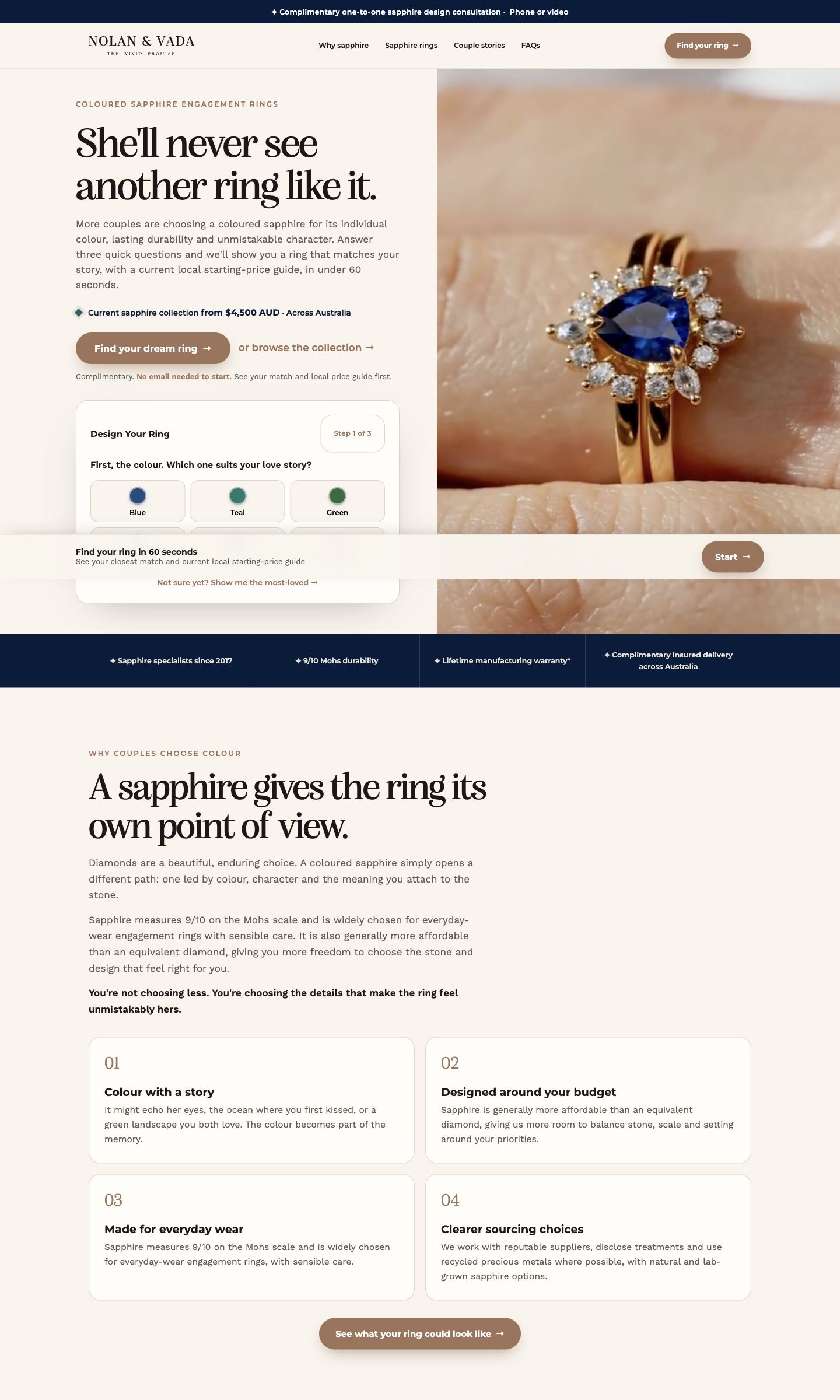
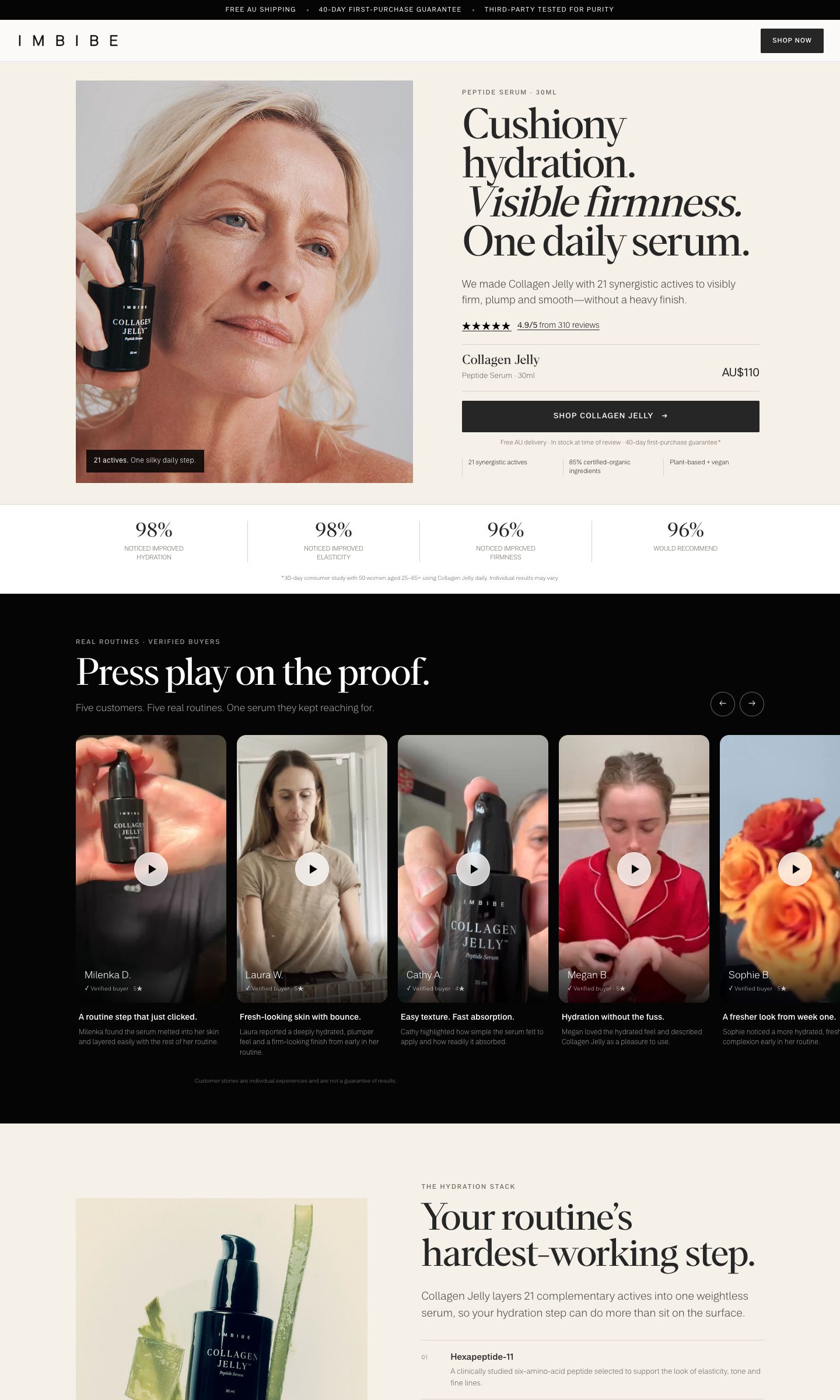
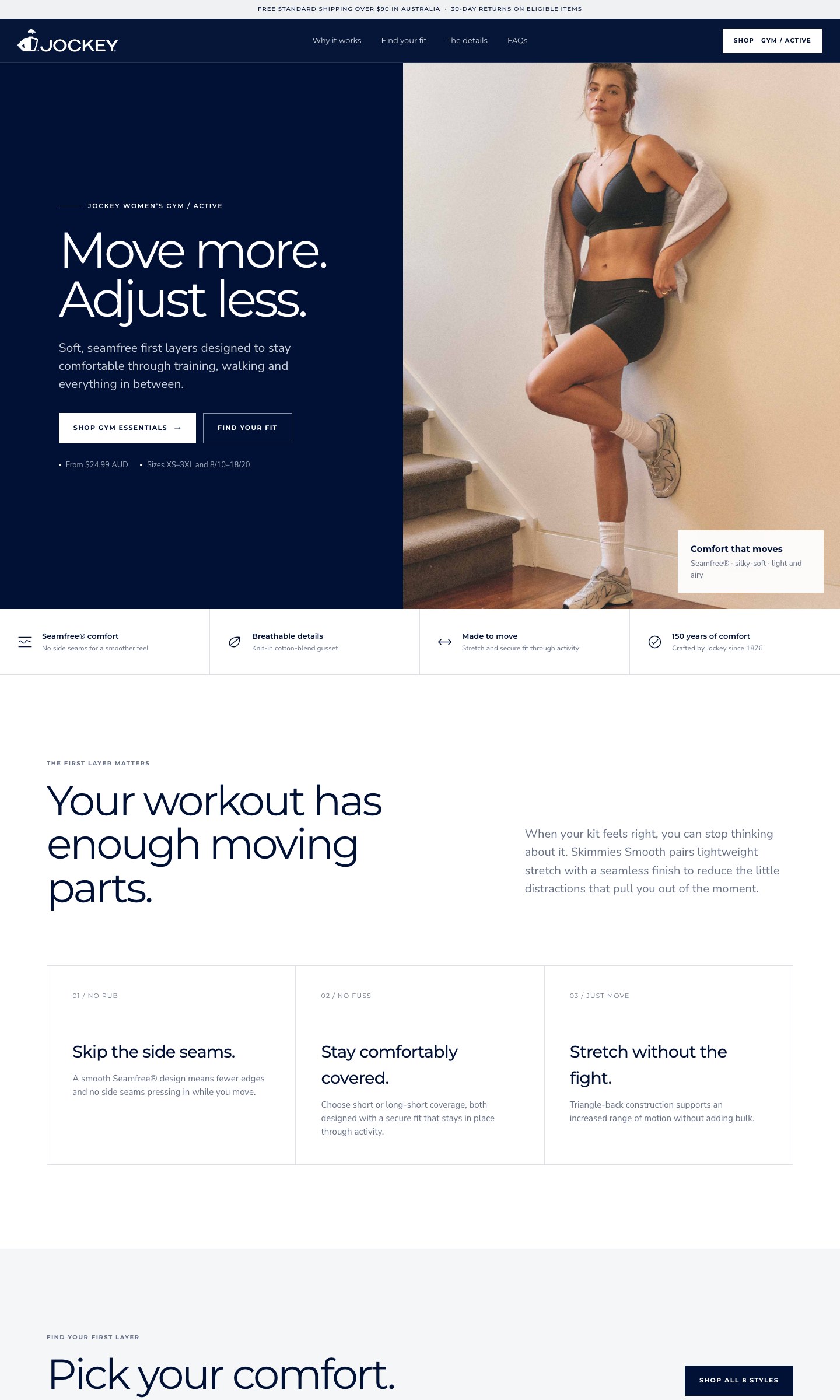
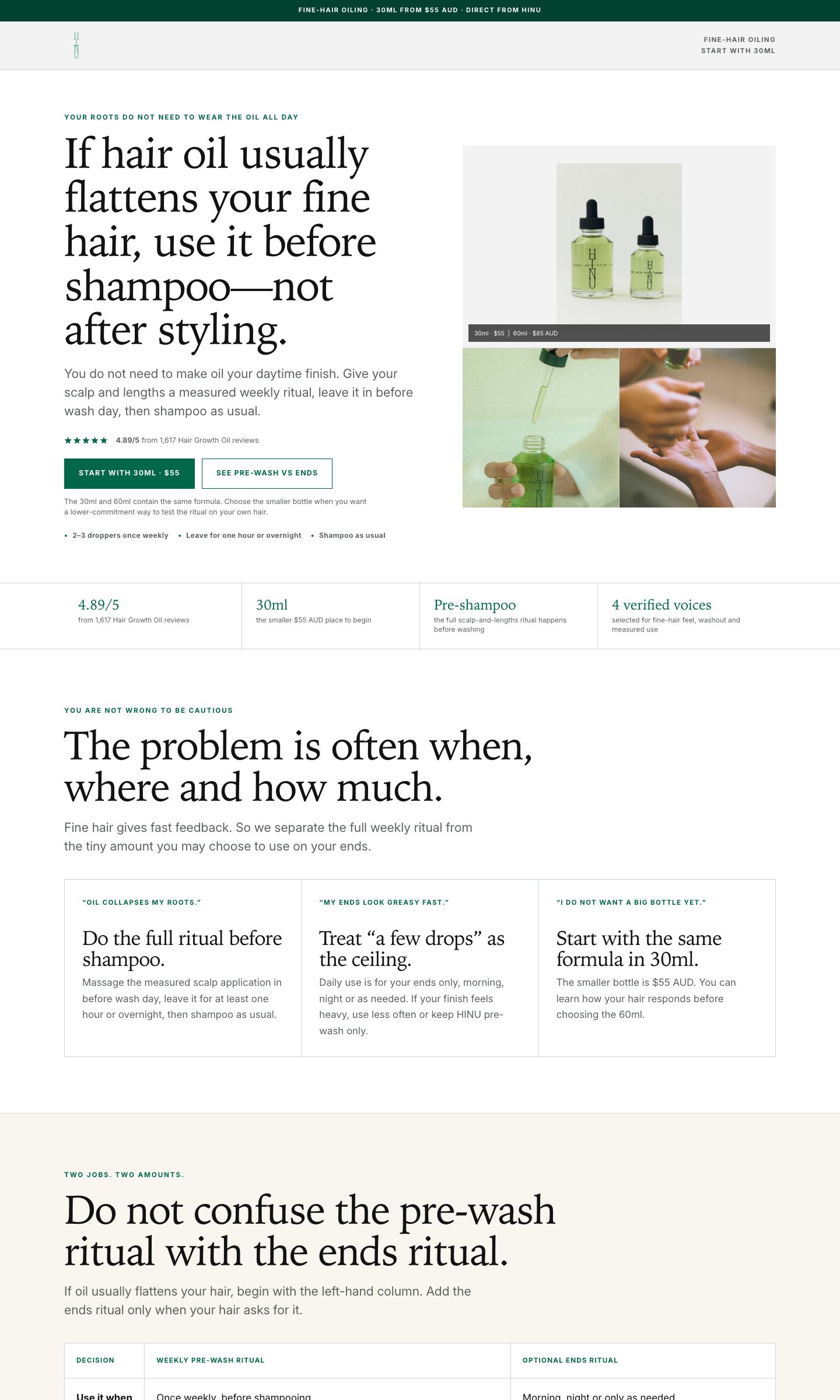
Message match starts before the click. On Meta, we usually group creative around one sharp persona or buying tension. The visuals, language, proof and page all speak to that same person. On Google, we group queries by the decision behind them, then send each cluster to the lightest page that resolves that decision.
This alignment removes the reset that happens when an ad earns a click with one promise and the destination opens with another. It is designed to improve paid-traffic efficiency, but we still test each matched page against the existing destination on purchase conversion, new-customer cost and ROAS. We do not assume a lift before the client data shows it.
| Platform | Traffic is grouped by | The page must continue | Example next action |
|---|---|---|---|
| Meta cold traffic | Persona, tension, use case or creative angle | The same person, problem, visual theme and proof used across the ad batch | Find your size, choose your style, shop the featured product |
| Meta retargeting | Previous product or content interaction, objection or offer | The mechanism, comparison, proof or offer the visitor already engaged with | Compare options, return to the product, claim the real offer |
| Google non-brand search | Problem, product category, use case or comparison intent | The query language, required proof and most relevant product set | See the matching range, compare models, book the service |
| Google brand or high intent | Named product, brand plus category, price or purchase intent | The exact product, current offer, delivery facts and shortest route to purchase | Choose a variant, open the product, complete the booking |
Demographic context belongs in the brief when it changes the buying decision or creative treatment. It does not get guessed from PostHog. We establish it through the approved media plan, the ad batch, platform reporting and the page route. PostHog then reads useful non-sensitive acquisition context such as device, UTM source, medium and campaign, plus referring domain.
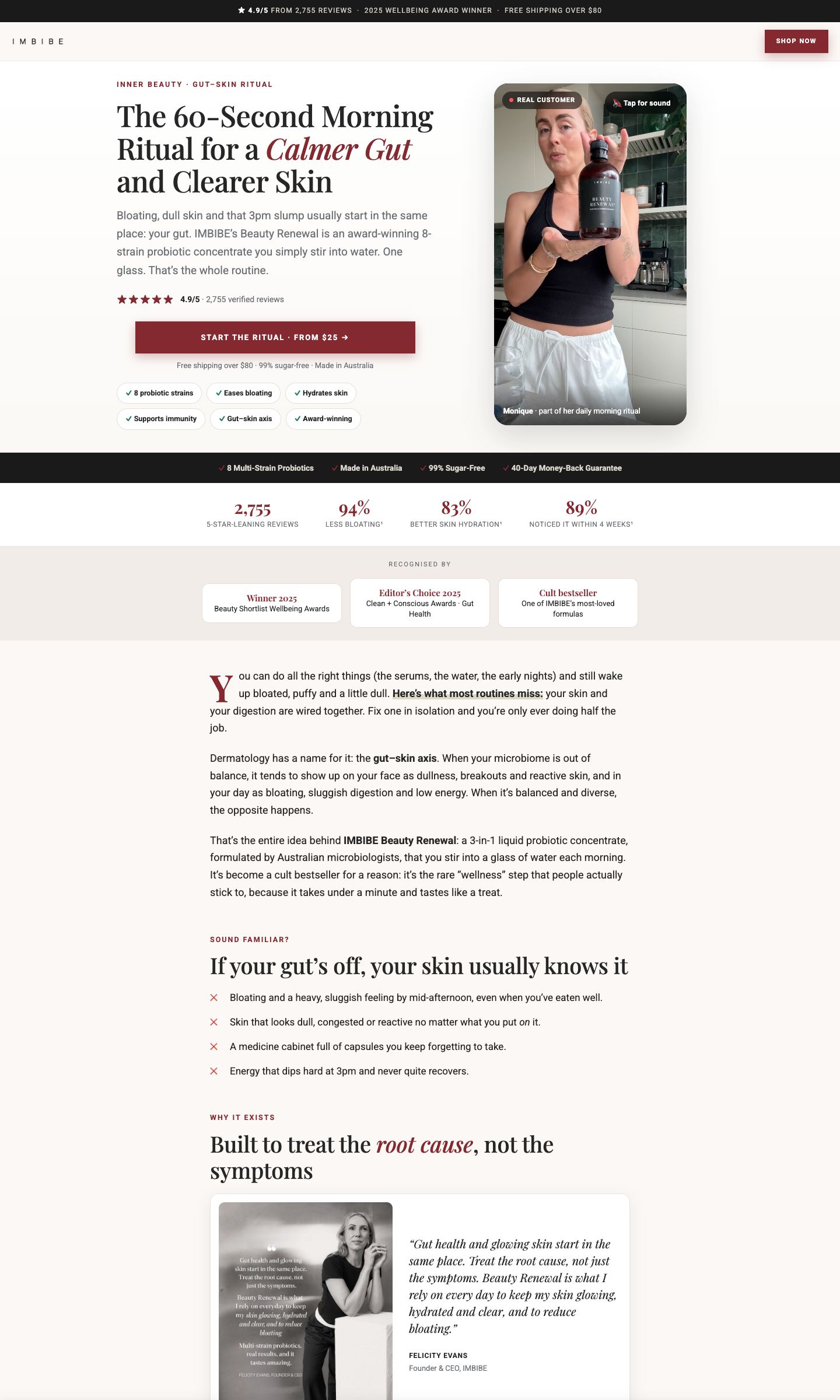
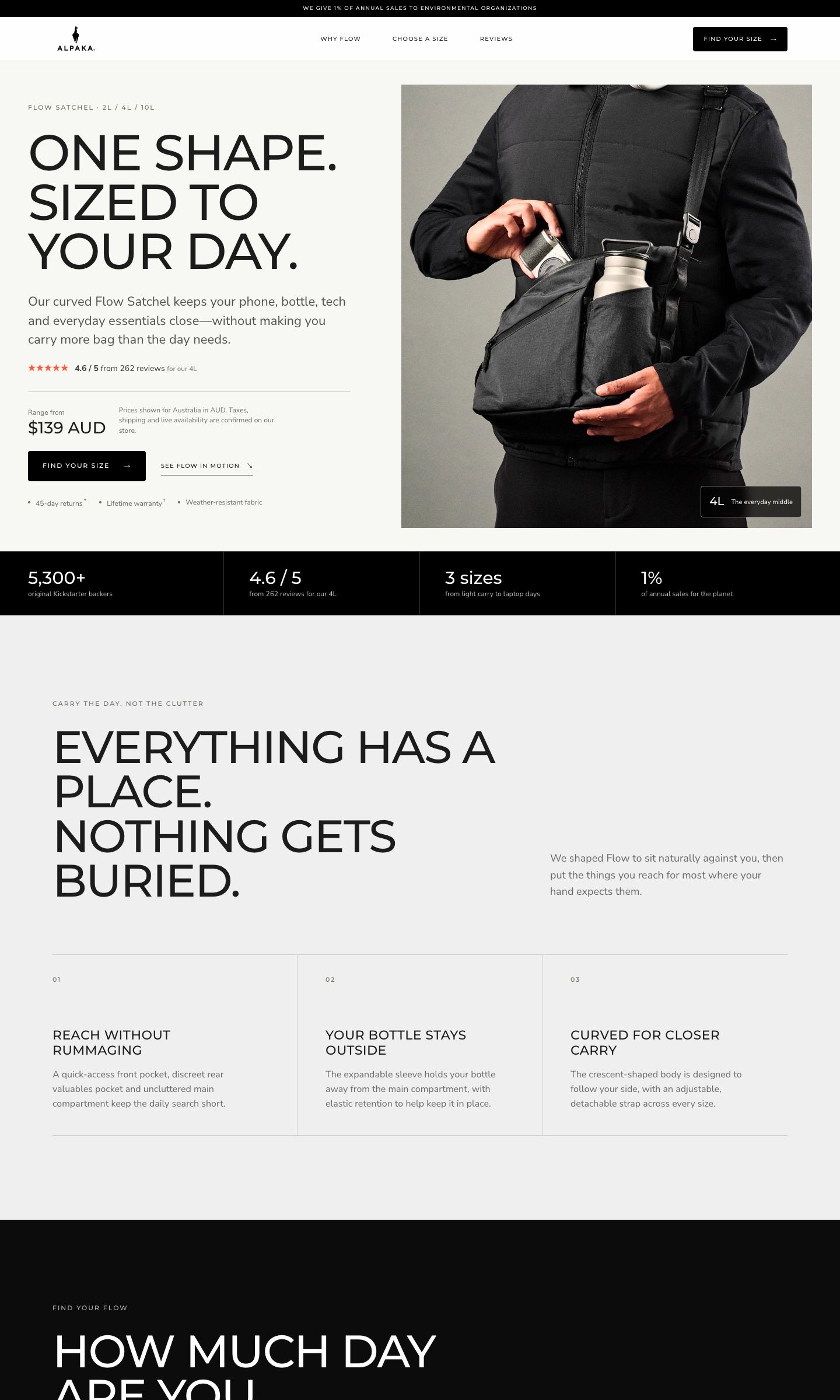
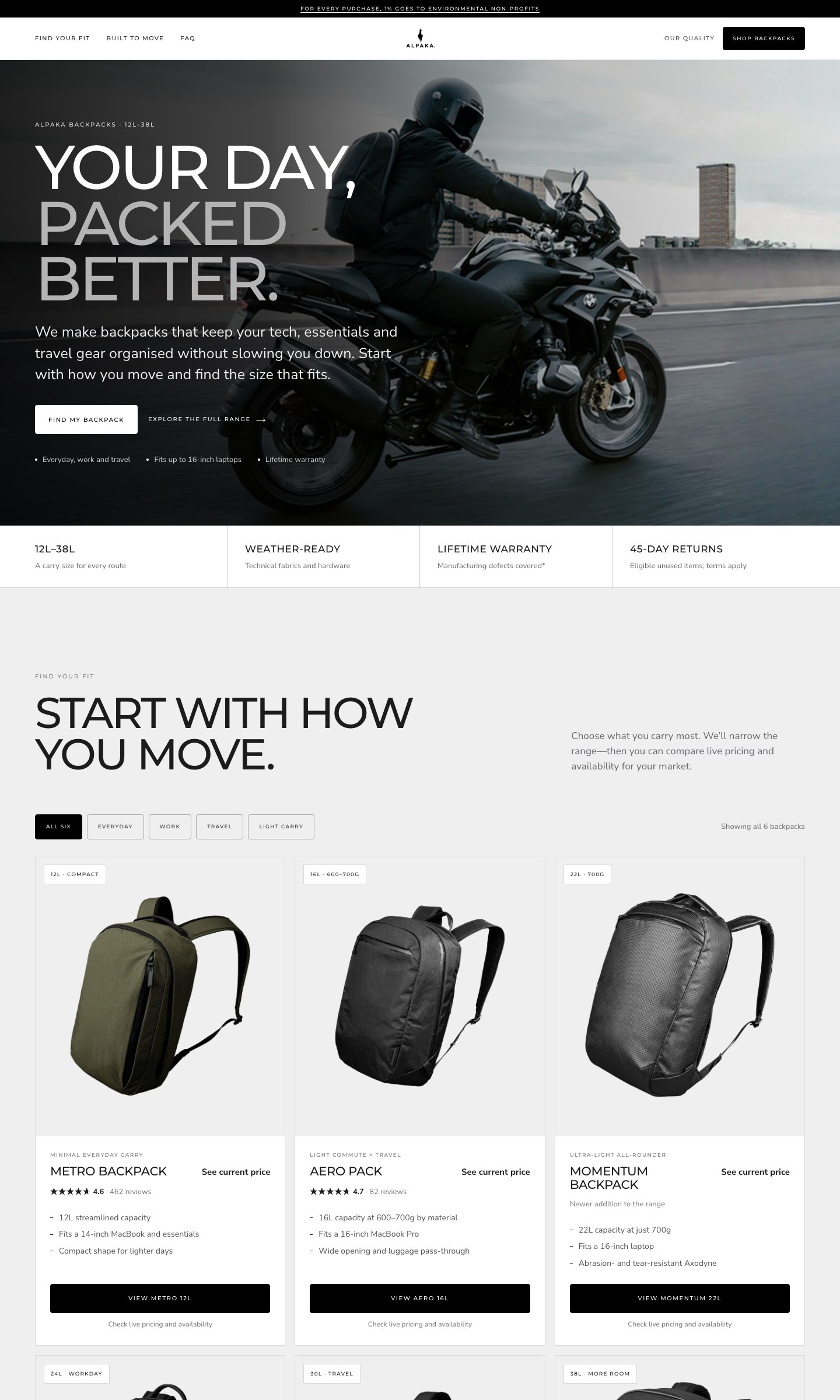
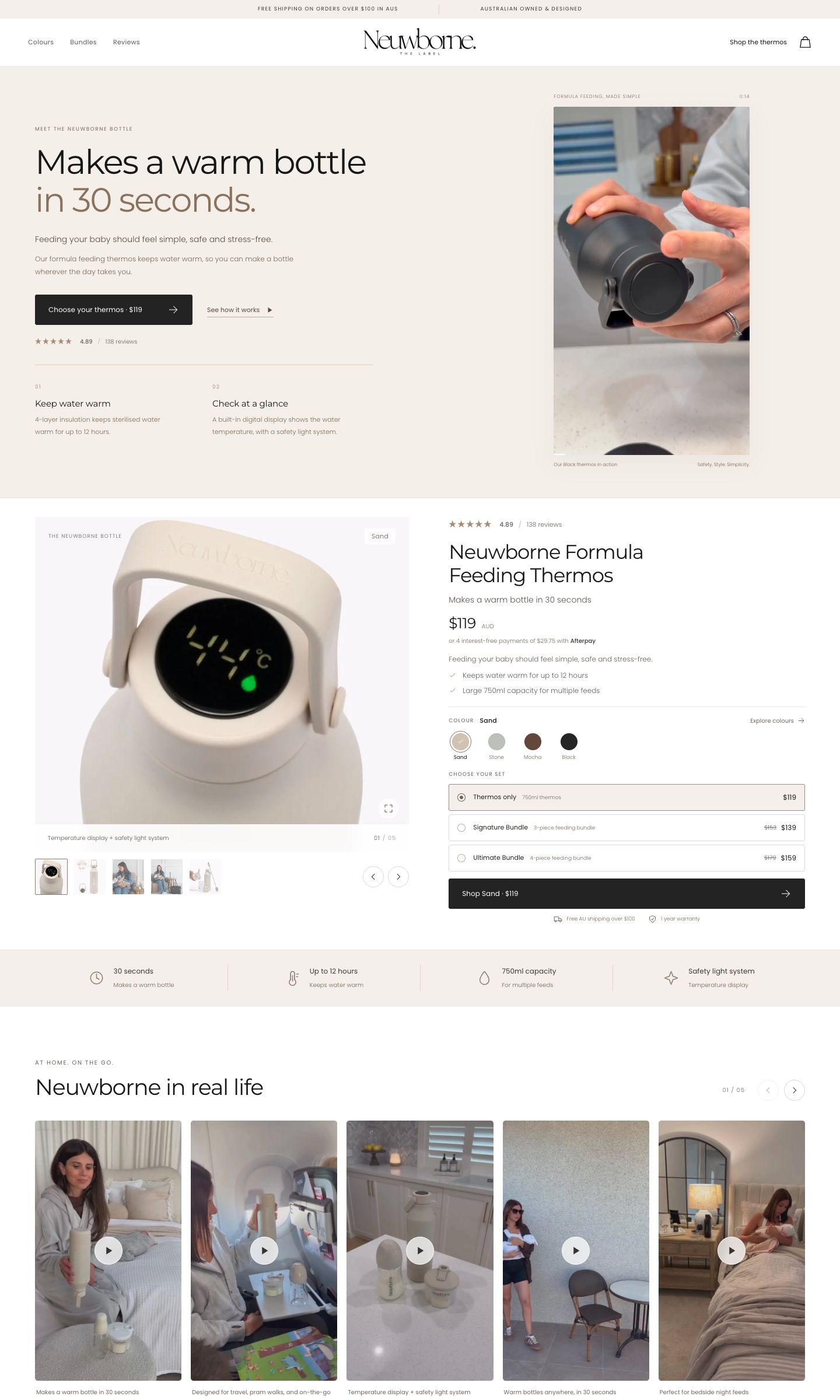
For a Meta example, a commuter-focused batch might lead with what fits into a workday, show the product in transit, answer size and organisation questions, and open a preselected product. A travel-focused batch for the same product may lead with airline fit, weather protection and carry options. Same product, different buying task, different page. Our persona ad set guide shows how we keep each Meta group sharp enough to support that handoff.
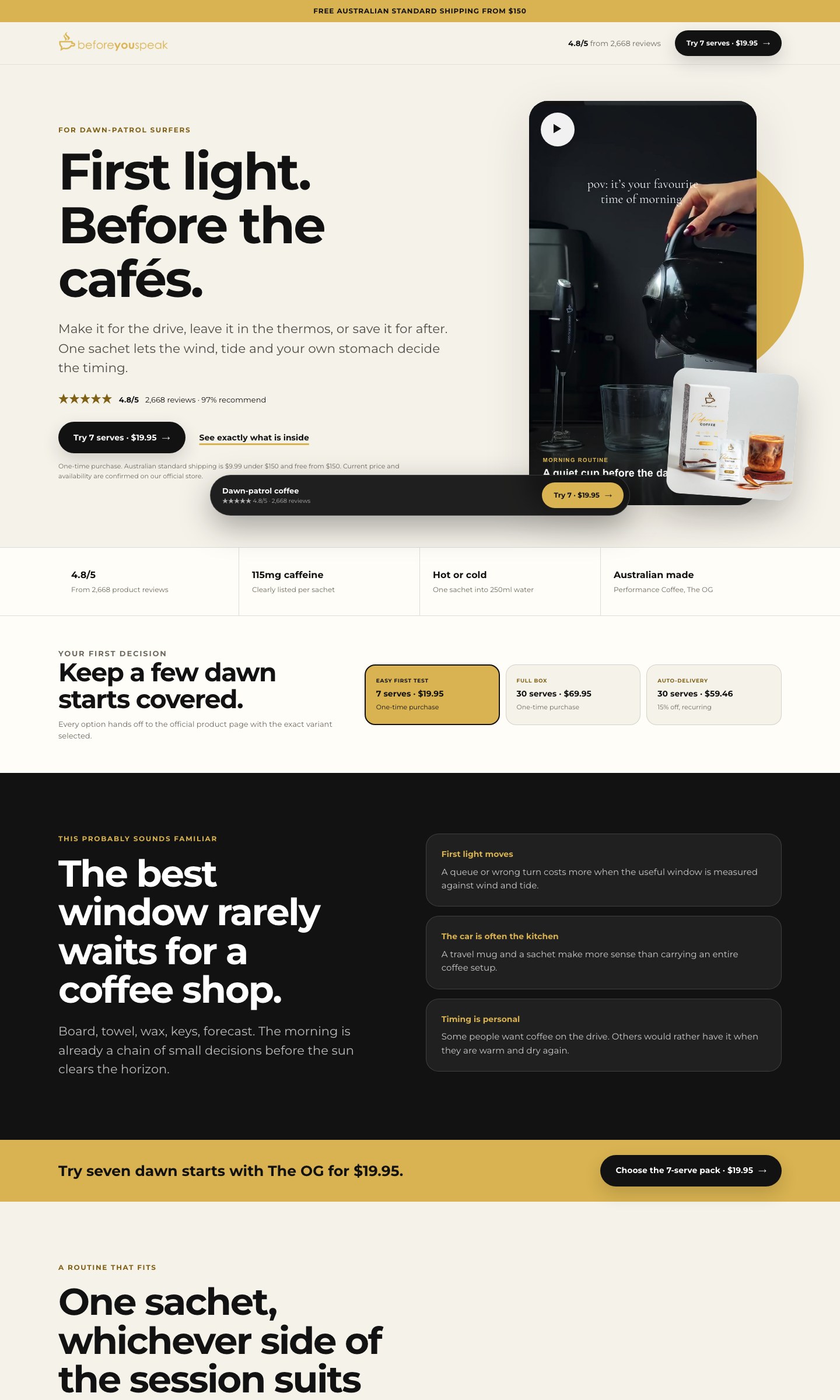
For Google, the dividing line is the query's decision. Someone searching a specific model should not be forced through a long educational article. Someone comparing a category may need the comparison, product finder and objection handling before a product link. Our Google Ads strategy guide goes deeper on mapping queries, ads and destinations as one answer.
Step 2
Write the handoff from ad to store before building
We write one line for every link in the chain: ad hook, page headline, first proof, primary CTA and Shopify destination. If one line introduces a new product, audience, offer or idea, the chain is broken.
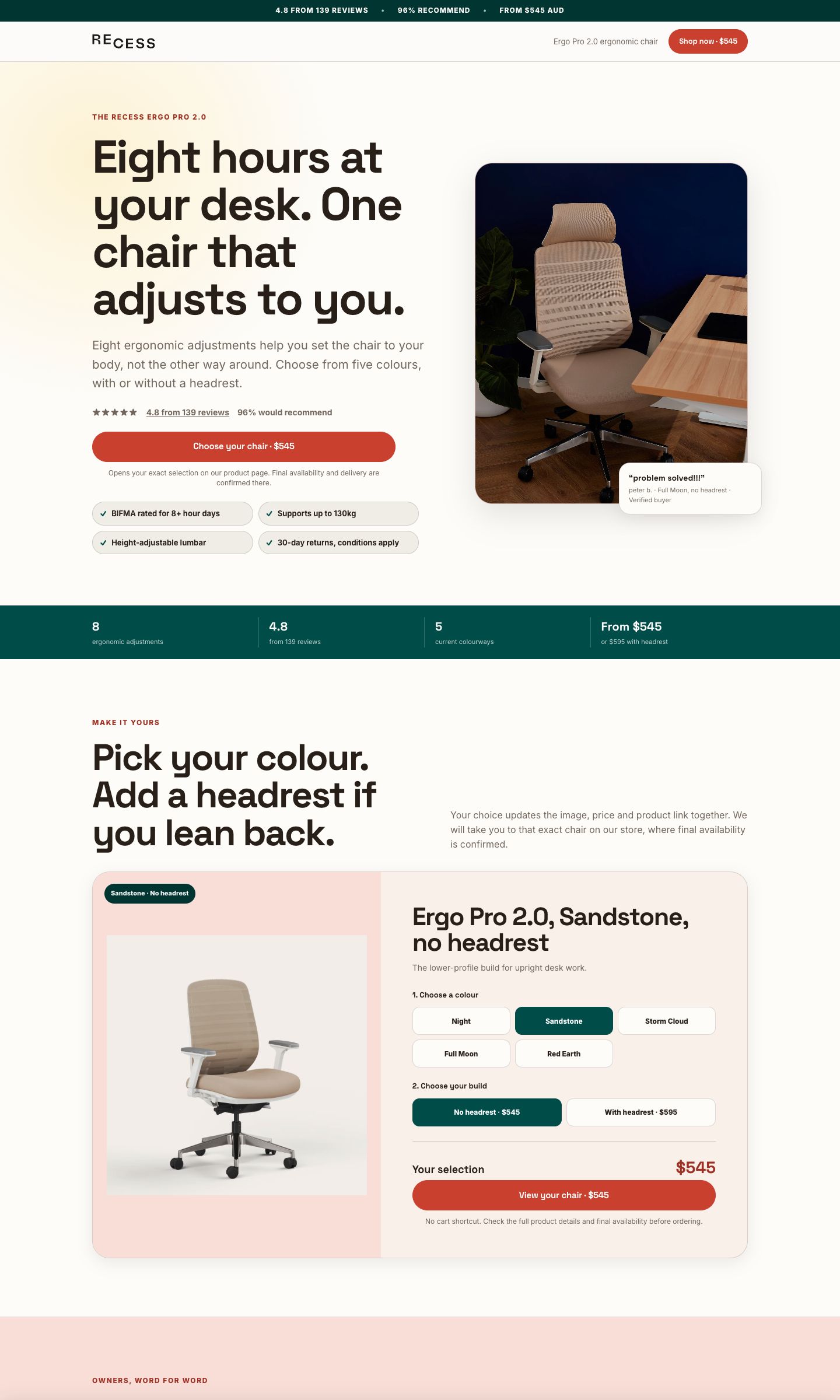
A worked message-match chain
- Ad batch: video and static ads for people replacing an uncomfortable desk chair
- Ad promise: an adjustable chair you can set to your body
- Hero: the same chair, the same problem and a clear starting price
- First proof: the adjustment range, rating and returns terms verified today
- Primary CTA: "Choose your chair · From $545"
- Destination: the exact Shopify product and selected option, with attribution intact
The page can be long, but the handoff must be short. The first screen confirms the click, the middle resolves the real objections, and the CTA opens the store at the right product. Our cold-traffic landing page guide covers the conversion structure, proof standard, sticky bar and mobile page anatomy. This guide stays focused on how that page is engineered, released and improved.
Step 3
Build the page as an isolated production project
Every approved production page or closely related page family gets a self-contained project root. The project includes the page source, styles, scripts, local assets, server functions, Vercel configuration, tests and a plain-English deployment runbook. The source lives in a private Git repository. Vercel is where we build, preview, release and roll back it. It is not the only copy of the work.
Isolation is what keeps the Shopify theme safe. We do not inject a campaign template into the client's live theme, add campaign CSS to global theme files, or make the store's navigation and product templates responsible for an ad test. The landing page can use the client's real logo, type, colour, photography and product facts while remaining a separate application.
- Mobile first when the campaign is mobile-led. We compose the 390-pixel experience first for paid-social campaigns, then verify the client's actual device mix and complete the desktop build.
- Final copy only. Prices, ratings, review counts, specifications, shipping and guarantees come from current primary sources. No placeholder survives into a Preview.
- Real store destinations. Every CTA has its final product, variant, collection or booking URL before QA starts.
- Stable analytics identity. The page, template, revision, sections and CTA placements have durable names before the first event arrives.
- Recovery written down. The runbook records the project, routes, tags, hostnames, checks, last known good deployment and rollback command.
When several pages belong to one brand, they can share the same private repository and Vercel project if each route is deliberate and the deployment remains self-contained. We do not combine unrelated clients in one production project, and we do not give a client access to a multi-client workspace.
Step 4
Use Vercel for previews, staged releases and rollback
Vercel gives us a unique URL for every build. We use an ordinary Preview for review, then create a detached Production build with the real production environment before any campaign hostname moves.
- Create or link the dedicated Vercel project. Set the correct root directory, framework settings and, when Git-connected, production branch. Keep private values in Vercel environment variables, never in Git or HTML.
- Create a normal Preview. The branded production hostname stays on the current live build while the review candidate receives its own URL.
- Run the whole visual and functional QA matrix. Build, routes, assets, mobile, tablet, desktop, CTAs, attribution and protected control routes all have to pass on Preview.
- Create a detached Production build. Use the Production environment without assigning the campaign domain yet, then inspect and smoke-test that exact staged deployment.
- Promote the staged deployment. The inspected Production artifact becomes current only after the release gate passes.
- Check the branded alias and public route. A green deployment status is not proof that the customer-facing hostname points at it.
- Keep the previous deployment pinned. Rollback is moving the alias back to a known good artifact, followed by the same public checks.
From the linked project root, the normal CLI sequence is:
vercel --scope sage-s-projects4
vercel --prod --skip-domain --scope sage-s-projects4
vercel inspect <staged-production-url> --scope sage-s-projects4
vercel promote <staged-production-url> --scope sage-s-projects4
The first command creates the review Preview. The second builds with Production settings but leaves the customer-facing domain where it is. The third confirms the staged deployment we inspected. The fourth makes that exact staged artifact current. Project-specific runbooks add any required build, smoke-test and rollback commands.
Routine releases do not need a DNS change. DNS is part of the first hostname setup. After that, the subdomain continues pointing at Vercel while Vercel moves it between reviewed deployments.
Step 5
Connect one campaign subdomain and leave Shopify alone
We normally use a hostname such as go.brand.com, get.brand.com or learn.brand.com. The client's root domain and www keep pointing at Shopify. We add only the new campaign hostname to Vercel, then add only the DNS record Vercel requests for that hostname.
| Item | Action |
|---|---|
| Vercel domain | Add the exact campaign hostname to the correct landing-page project. |
| DNS name | Add only the new label, such as go, get or learn. |
| DNS type and value | Use the exact CNAME, TXT or other record Vercel currently shows. Do not copy an old target from another project. |
| Cloudflare | Use DNS-only when Vercel is issuing and serving the TLS certificate. |
| Shopify records | Do not change the apex, www, Shopify verification or mail records. |
Once the record resolves, Vercel validates the hostname and issues HTTPS. We verify the HTTPS page, the expected certificate, the canonical host behavior and any redirect rules. If a landing-page project is replaced later, we can detach the hostname from one Vercel project and add it to another without changing client DNS, provided the existing DNS target is still the one Vercel accepts.
The browser is now visiting a different hostname served by a different project. Shopify continues to own the main store.
Step 6
Let Shopify keep product, cart, checkout and purchase ownership
The custom page does the persuasion and selection work. Shopify still owns product truth, inventory, cart, checkout, Shop Pay, order confirmation and the purchase record. That boundary reduces risk and keeps customers in a checkout they already trust.
A CTA can open an exact product, preserve a selected variant, land on a relevant collection or make a genuine cart action when that is the tested behavior. We name the event for what actually happened. A product-page handoff is not an add-to-cart event. A button click is not a purchase. Honest event naming is necessary for both optimisation and reporting.
Before launch, we test the handoff from a tagged landing-page URL. The final Shopify URL must retain the page's approved campaign parameters, any click IDs, the selected variant and any existing store parameters or fragments. Then we complete a controlled order when the release scope allows it and reconcile the order, revenue and acquisition identifiers in the systems that own them.
Step 7
Give each measurement system one job
| Layer | What it tells us | What it does not prove alone |
|---|---|---|
| Shopify or the commerce backend | Orders, revenue, transaction IDs and new-versus-existing customer status | Which ad platform or page section deserves credit by itself |
| Meta Pixel, Google Ads and GA4 | Page views, accurately named intent events, campaign delivery and attributed outcomes | The independent source of truth for revenue or customer status |
| Combined commercial reporting | Spend joined to backend outcomes so purchase conversion, new-customer cost and ROAS can be compared | The exact on-page friction behind the result |
| PostHog | Page engagement, section exposure, CTA exposure and clicks, depth, acquisition segments, friction and heatmap patterns | A purchase or causal ROAS lift unless the commerce system sends and reconciles that outcome |
Our standard standalone setup loads the brand's Meta and Google tags directly on the landing page, gated to the exact approved production hostname. Localhost, Vercel Preview and the Hey Sage review host do not fire real client pixels. We load the Google tag library once, configure the approved GA4 and Google Ads destinations, then verify each event fires once. If a client already has a proven, non-duplicating setup, we mirror it and test it rather than replacing it for the sake of uniformity.
Consent behavior follows the client's markets and policy. Marketing tags and PostHog can be held until consent where required. We also check the email platform: an untargeted popup that covers the hero or sticky CTA can steal the first paid tap, so it gets suppressed on campaign routes through the platform's own display rules.
Meta domain verification is included in go-live. It is not left for the first campaign problem.
Step 8
Carry attribution into Shopify and give every element a stable identity
Every real commerce link is marked data-cta and carries a placement such as hero, sticky bar, comparison, product finder or final offer. Logo links, review sources, footer links and in-page anchors are excluded. That keeps the primary-action data about buying intent instead of navigation noise.
We forward an allowlist of campaign and click identifiers into the store: utm_*, gclid, gbraid, wbraid, fbclid, ttclid, msclkid, dclid, gclsrc, twclid, li_fat_id, epik, irclickid and ref. Existing destination parameters, variants and fragments stay intact. We never forward the complete query string blindly because it can contain junk or data that should not move.
Each page also receives a small measurement contract:
client_brand: brand-slug
landing_page: persona-or-intent-slug
page_template: product-led
page_revision: 2026-09-01-v1
experiment_id: optional-test-name
experiment_variant: control-or-variant
Sections get stable explicit IDs wherever continuity matters, and repeated CTA placements keep consistent names across versions. Copy can change without turning the same structural section into a new mystery row. A structural reorder or materially new build gets a new page revision so metrics never sit on the wrong visual capture.
Step 9
Use PostHog to explain what happened on the page
We serve a shared analytics loader through the landing-page project. The Vercel function reads the project configuration from environment variables and returns nothing to an unapproved hostname. The browser checks the host again before booting. This lets one reviewed loader stay consistent across clients without allowing a Preview or copied page to contaminate production data.
- Copy the reviewed loader. Copy
shared/posthog/api/analytics.jsinto the project'sapi/analytics.jswithout modifying its privacy or host gates. - Set the three Vercel variables. Add
POSTHOG_PROJECT_TOKEN,POSTHOG_HOSTand a comma-separatedPOSTHOG_ALLOWED_HOSTSvalue for the exact production hostnames. - Boot it with page context. Add the loader to each route with stable client, page, template and revision values.
<script src="/api/analytics" async
  data-client-brand="brand-slug"
  data-page-id="persona-or-intent-slug"
  data-page-template="product-led"
  data-page-revision="2026-09-01-v1"></script>
The context includes the client, page, template and revision. The loader records the page view and leave, ten-second engagement, scroll thresholds, section exposure, CTA exposure and click, outbound and primary action, form start and submit attempt, video play, FAQ open, plus privacy-safe friction and heatmap signals.
Our current privacy posture keeps session replay off, respects Do Not Track, turns IP capture off and sanitises personal fields and URLs before events leave the page. The loader is served from the landing-page domain, but the approved analytics events ultimately go to PostHog Cloud, so we do not describe it as a fully first-party data store.
Before a page sends its first event, we register three things in the Hey Sage analytics platform:
- The brand mapping. The raw client identifier must resolve to the correct portal space.
- Every approved hostname. The exact live host is associated with the brand and Preview hosts stay out.
- The page catalogue entry. The page has its real display name, type, route, revision and live state from day one.
Before promotion, request /api/analytics on the live candidate hostname and confirm it returns the configured loader. Make the same request on localhost or Preview and confirm it returns no tracking code. Skipping registration or these host checks creates bad data and bad operations. Registration is a launch task, not an admin cleanup.
Step 10
Turn every page into an evidence loop, not an automatic rewrite
PostHog events are processed into eight current datasets: daily performance, pages, sections, CTAs, scroll, friction, acquisition segments and heatmaps. They refresh on an hourly cycle, pass contract checks, and publish to the Hey Sage portal as one complete generation. If a sync fails, the last valid generation remains visible instead of showing a half-updated report.
This is what we mean when we call the system self-learning: each page teaches us what to build next. The page does not rewrite itself and no model silently changes live copy. The automation finds comparable evidence and proposes a controlled next question. A person chooses the change, releases a new revision and checks the commercial result.
The weekly decision loop
- Confirm data health, revision, reporting window and conversion lag.
- Read the commercial outcome in Shopify, GA4, Meta and Google.
- Use PostHog to locate the page behavior behind that outcome.
- Compare like with like inside the same client: similar page role, section position, CTA placement, device and acquisition group.
- Write one falsifiable hypothesis and change one major variable.
- Release a new page revision or experiment variant through Preview and QA.
- Wait for enough completed-window data, then keep, iterate or retire the change.
- Record every test in the iteration log. Add only durable client rulings to brand notes and only reusable doctrine to the shared playbook.
A few examples of valid diagnostic questions:
- People leave near the top. Does the hero fail to repeat the ad promise or show the offer?
- People read but do not hand off. Are sections closing with information instead of a priced decision?
- The CTA is seen but not clicked. Is the action vague, unpriced or disconnected from the visitor's task?
- One campaign group behaves differently. Is it a real message-match issue, a device mix, or simply a small sample?
- A pattern repeats across pages for the same client. Can the proven CTA treatment or section role be reused in the next build without importing another brand's copy or look?
Section goal assist is an association within a session, not proof that the section caused the result. A primary action may be only a product-page handoff. We use the page analytics to choose where to investigate, then validate conversion rate and ROAS in the systems that record the purchase.
Step 11
Run the release gate before paid traffic moves
Every changed route is inspected from header to footer at desktop, tablet and mobile. We keep a route by viewport by section ledger, which means every major section has readable evidence at every required layout. A full-page thumbnail is useful for orientation, but it does not replace looking at the real copy, crop, controls and spacing section by section.
- Static checks: build succeeds; routes exist; assets resolve; no placeholder or debug content remains; no em or en dashes appear in customer copy.
- Brand checks: logo proportions, colours, type, imagery, first-party voice, current prices, exact reviews and live-store facts are correct.
- Responsive checks: complete page at roughly 1440, 1024 and 390 pixels, plus breakpoint edges when the layout changes.
- Interaction checks: navigation, tabs, product finders, accordions, videos, sticky CTAs, focus states and reduced motion.
- Handoff checks: every CTA reaches the right product, variant or booking destination and preserves approved attribution.
- Tracking checks: production tags fire once on the exact live host; they do not fire on localhost, Preview or review hosts; PostHog context and revision are correct.
- Analytics registration: the brand mapping, approved hostname and page catalogue entry exist before the first production event.
- Indexing checks: paid campaign routes carry both a page robots meta tag and the Vercel
X-Robots-Tag: noindex, nofollowheader. - Commercial check: a controlled store journey proves the final order or lead appears once, with the expected value and attribution where the release scope permits it.
- Release check: promote the inspected staged Production deployment, verify the public subdomain and certificate, repeat desktop and mobile checks, and confirm the previous deployment can still be restored.
The launch record includes the source commit, Preview and production deployment IDs, public routes, page revision, tag IDs, allowed hosts, checks performed, known limitations and rollback target. That is how the next release starts from facts rather than recollection.
Frequently asked questions
Why not build the page directly inside Shopify?
We want a campaign test to move quickly without changing the live theme, global templates or store navigation. A separate Vercel project on a campaign subdomain gives us that isolation while Shopify keeps product, cart, checkout and purchase ownership.
Does connecting a subdomain change the Shopify store?
No, provided only the new campaign hostname is added. The apex and www records stay pointed at Shopify. The new go, get or learn record points at the landing-page project on Vercel.
Should every Meta ad or Google keyword get a new page?
No. Build one page per meaningful promise, persona, intent, offer or next action. Ads and queries that need the same answer should share the same destination so the data stays concentrated and the page stays maintainable.
Does PostHog replace GA4, Meta, Google Ads or Shopify reporting?
No. PostHog explains on-page behavior. Shopify or the backend owns orders, revenue and customer status. GA4 and the ad platforms report attributed outcomes. We join those commercial signals for conversion, new-customer cost and ROAS, then use PostHog to explain where the page helped or stalled.
Are the landing pages automatically self-optimising?
No. Analytics is collected and processed automatically, but a person approves every live change. We use the evidence to write one controlled hypothesis, release a new version and validate it against the commercial outcome.
How quickly does the page data appear?
The current Hey Sage portal refreshes on an hourly cycle. That is current enough for diagnosis without pretending to be second-by-second. Commercial decisions still wait for the normal conversion lag and enough traffic to support the comparison.
Can a landing page be indexed by Google?
Our paid campaign routes are normally noindexed because they are built for controlled ad traffic, not organic search. A genuinely useful indexable page is planned as an SEO page with its own content, canonical, internal links and maintenance contract, not made indexable by accident.
What proves the custom page worked?
The agreed commercial metric against the agreed control: purchase conversion, new-customer cost and contribution for ecommerce, or qualified lead and booked or won cost for lead generation. Page engagement helps explain the result but is not the result.